
Usability click test About 1 minute
Click test on a patient portal home screen
A patient portal home screen and two tasks. Click where you would go, and see whether booking and results are easy to find.
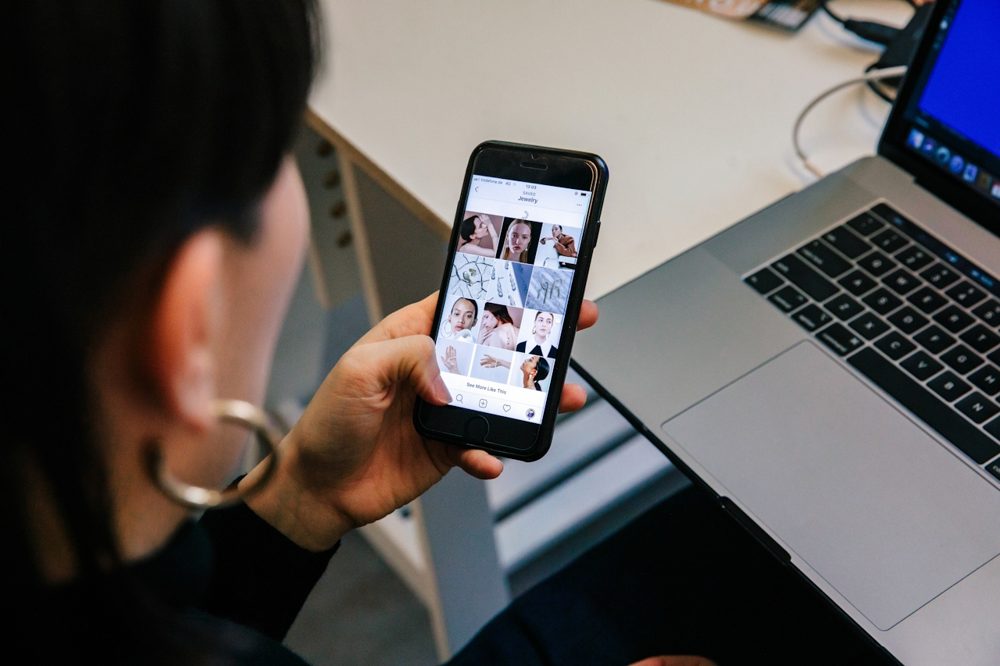
You need to see a doctor next week. Where would you tap?
Click or tap the one place you would go first.
Why teams run this study
Patients open a portal for two reasons: to book a visit and to read a result. A portal that hides either sends them to the phone line, which costs the clinic time and the patient patience.
A click test on the home screen shows where patients look first for each job, so the layout puts the most common tasks where they are expected.
What you learn
- Whether patients find booking first
- How easily they reach test results
- Where they click when they are unsure
Run this study with your own audience
Start free and set up a study like this in minutes, or ask us to run a custom study for you.
Frequently asked questions
- Can I test a design that is not built yet?
- Yes. A picture of a design, or a prototype, works well, and twenty to thirty people show a clear pattern for one screen.
- Does this use real patient information?
- No. The test uses a picture of a screen with example content. No medical or personal details are collected.
More examples to try
 SurveyHealthcare
Patient visit experience survey for a clinic
A respectful, short survey that covers booking, waiting and the visit itself, without asking for any medical details.
Try it, about 2 minutes
- SurveyHealthcare
Telehealth experience survey
A short survey on how a video appointment went: the booking, the connection and whether the patient felt heard.
Try it, about 2 minutes
 AI interviewerHealthcare
AI interviewer follow-up on a low patient rating
A scripted sample of how an AI interviewer follows up on a low rating, politely, once or twice, to find out what lies behind it.
Try it, about 2 minutes