
Usability click test About 1 minute
Click test on a software dashboard
A project dashboard and two tasks. Click where you would go, and see whether the screen makes inviting a teammate and exporting a report obvious.
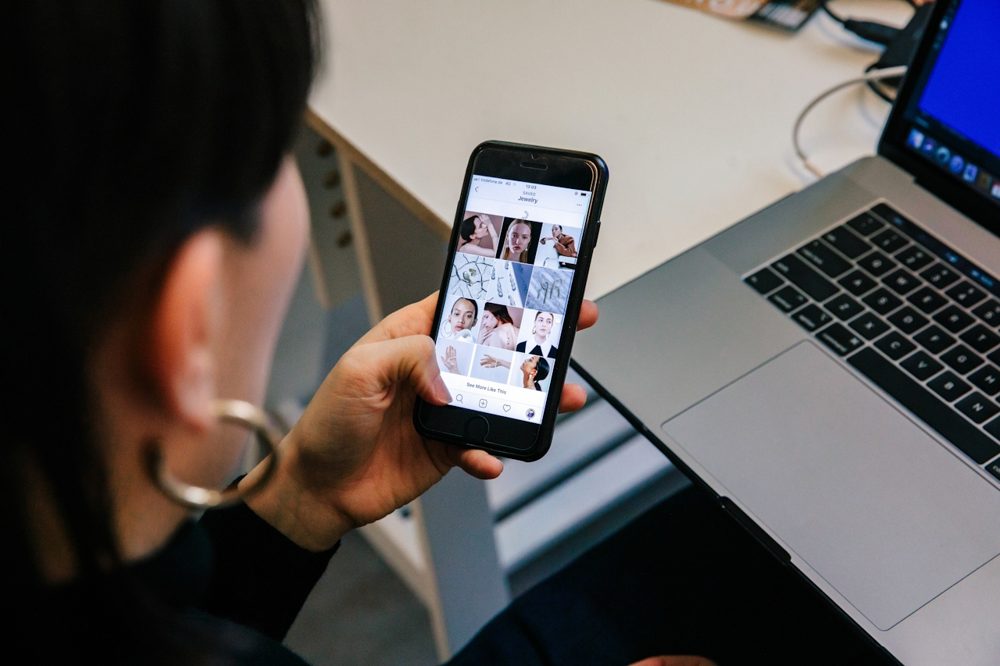
You want to add a colleague to this project. Where would you click?
Click or tap the one place you would go first.
Why teams run this study
Once users are inside a product, the dashboard has to make the next step obvious. The actions that grow an account, such as inviting a teammate, are often hidden behind a menu.
A click test on the dashboard shows where people look for each action first, so you can move the buttons that matter to where users already expect them.
What you learn
- Whether users find the invite button first
- How easily they reach reports
- Which labels they misread
Run this study with your own audience
Start free and set up a study like this in minutes, or ask us to run a custom study for you.
Frequently asked questions
- Can I test a design that is not built yet?
- Yes. A picture of a design, or a prototype, works well, and twenty to thirty people show a clear pattern for one screen.
- Can I test a screen from a competitor?
- Yes. Test any screenshot to learn what users expect, then compare it with your own design.
More examples to try
 Usability click testSoftware and SaaS
Click test on a software pricing page
A simple pricing page and two tasks. Click where you would go, and see how a click test shows whether the page makes the next step obvious.
Try it, about 1 minute
- Preference testSoftware and SaaS
Preference test for a new feature name
Five names for a new planning feature, one at a time. Say yes or no to each and see which name would make you open it.
Try it, about 1 minute
 SurveySoftware and SaaS
New user onboarding survey for a software product
Six questions a product team asks a user a week after sign-up, to find out what helped, what stalled them and what would bring them back.
Try it, about 2 minutes